Wave Connect Introductory Guides
How to Set Owner Status
-
Navigate to the 'Administrators' tab under your organization settings on Wave.
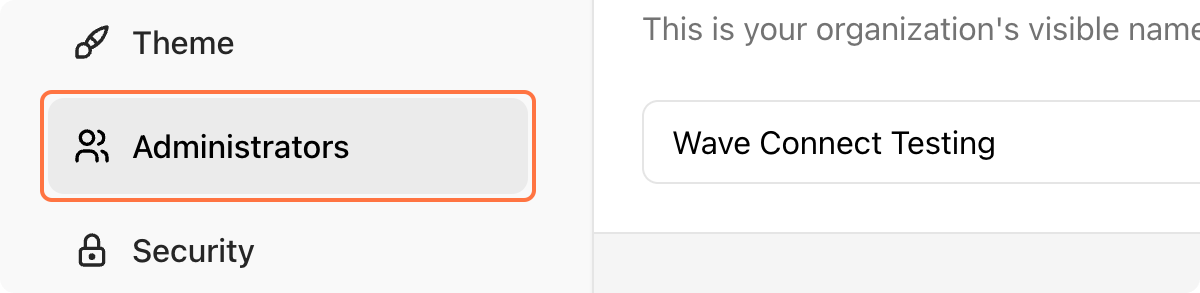
Note: Only administators with'Owner' priviledges have access to organization settings.
-
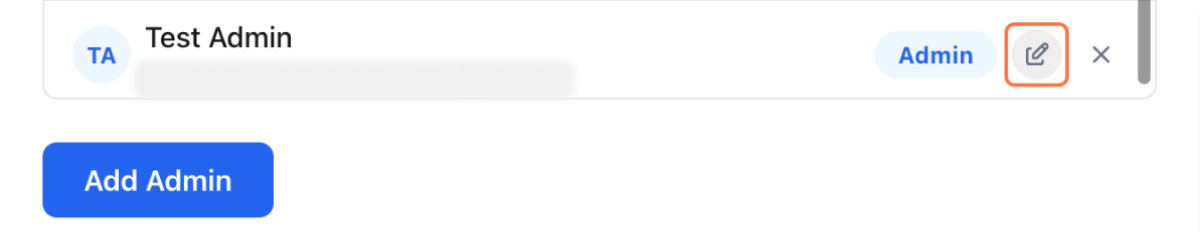
Click on the 'Edit' icon next to the admin you wish to assign as Owner.
-
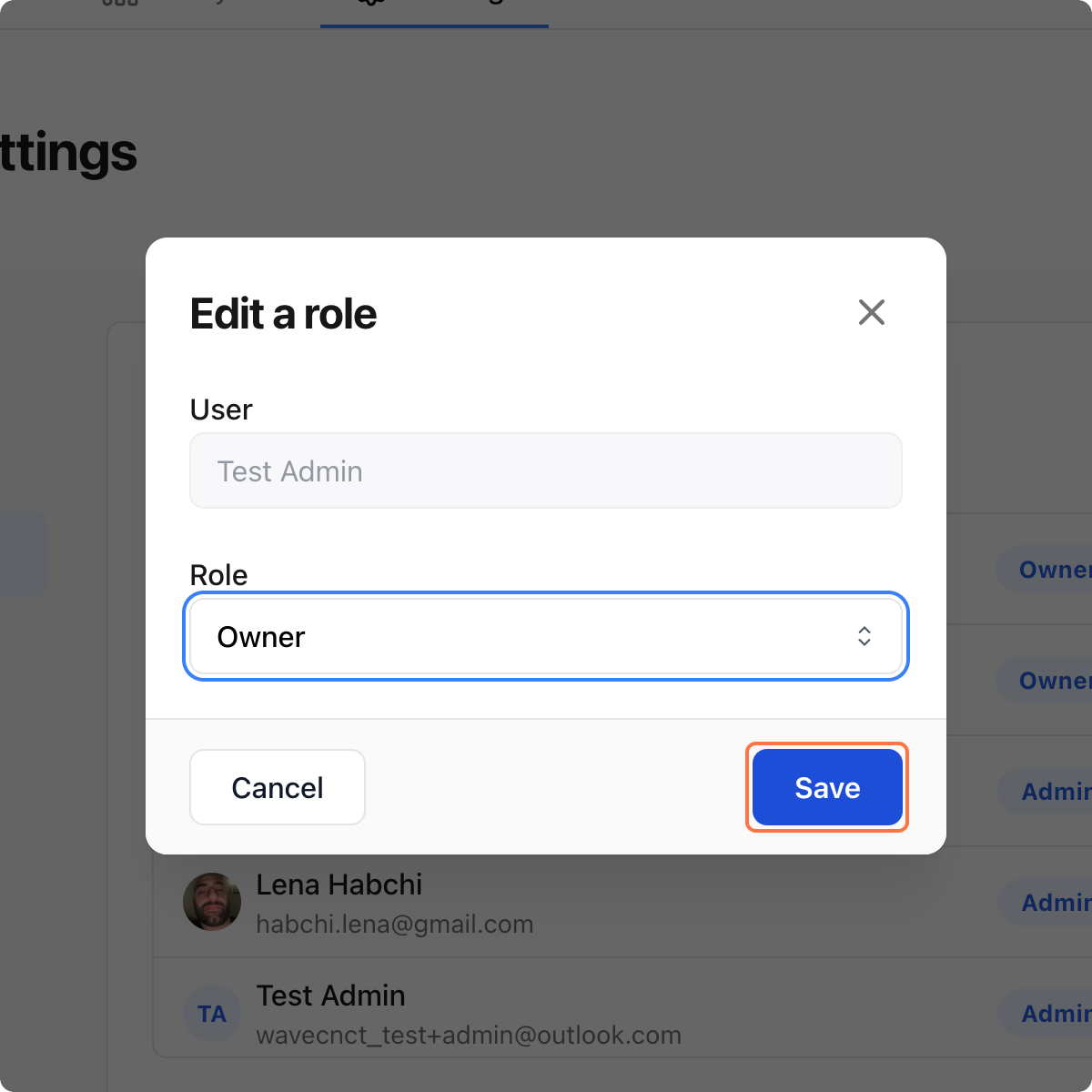
Set user's role to 'Owner' then press 'Save.'
-
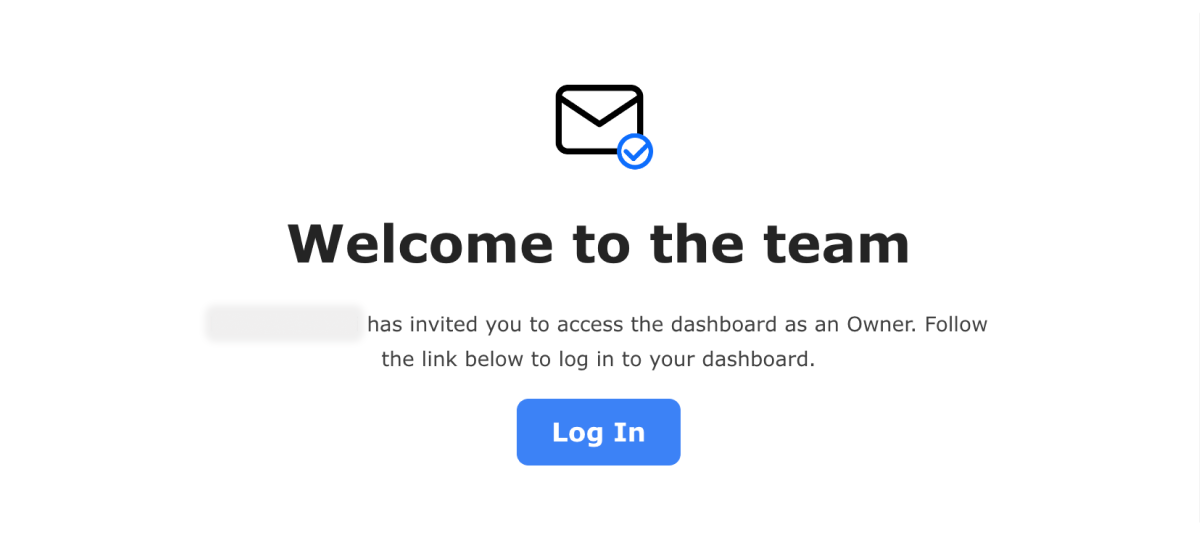
New owner will receive a confirmation email in their mailbox.
How to Set Admin Status
-
Navigate to the 'Administrators' tab under your organization settings on Wave.
Note: Only administrators with 'Owner' priviledges have access to organization settings.
-
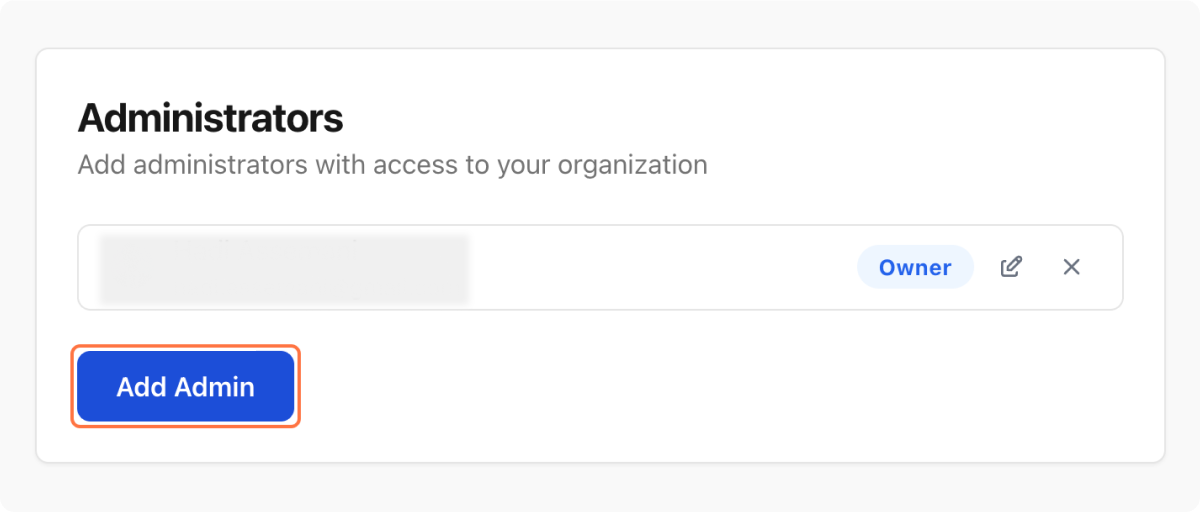
Click on the 'Add Admin' button below your organization's list of admin team.
-
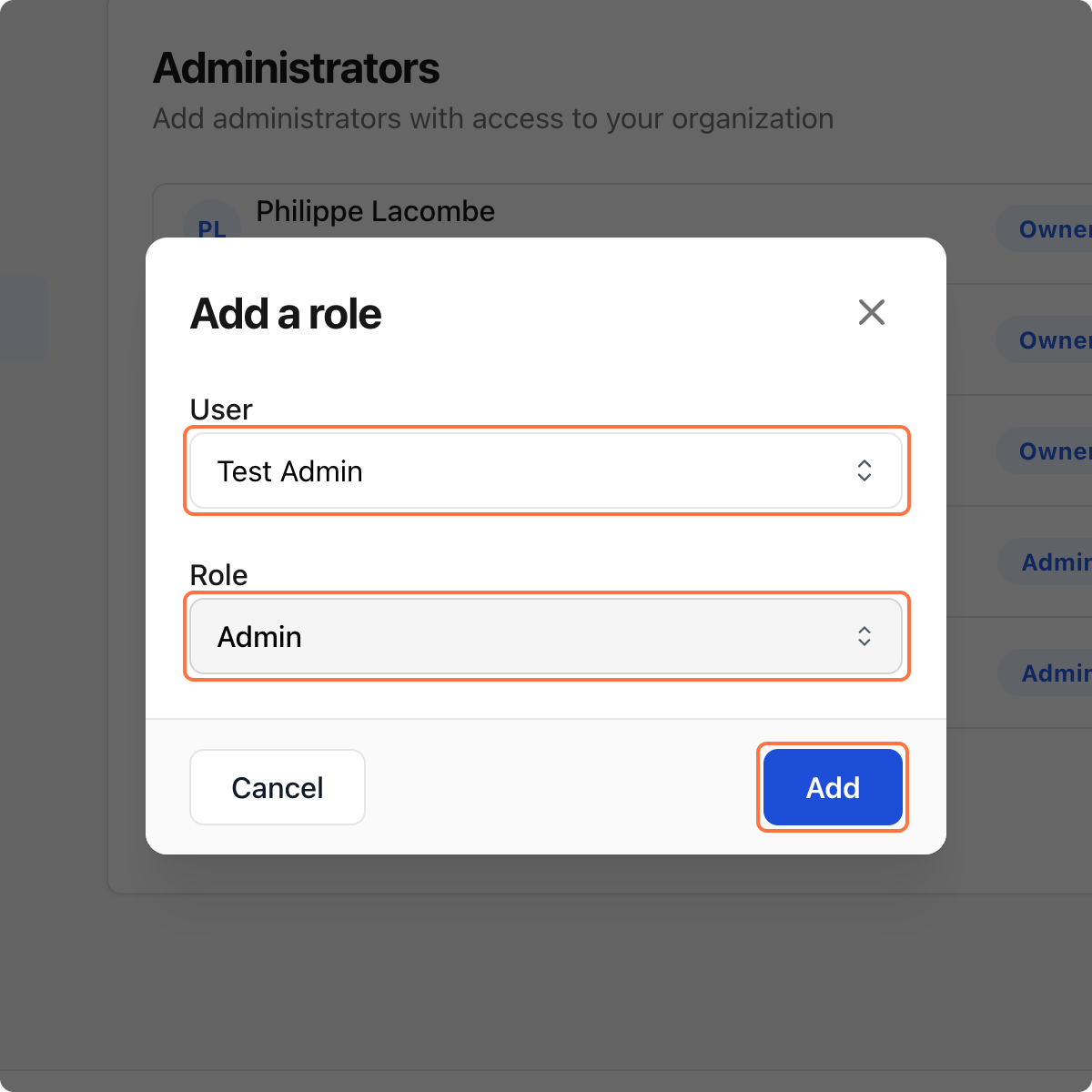
Select user you wish to provide admin rights to, set user's role to 'Admin' then press 'Add.'
-
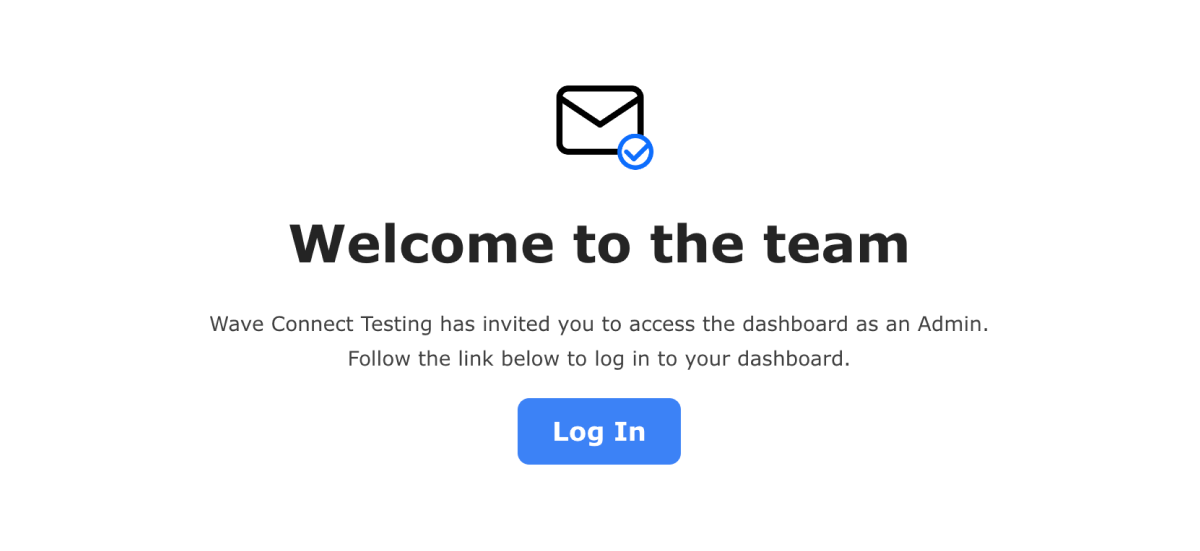
New admin will receive a confirmation email in their mailbox.
How to Add a User to Your Organization
-
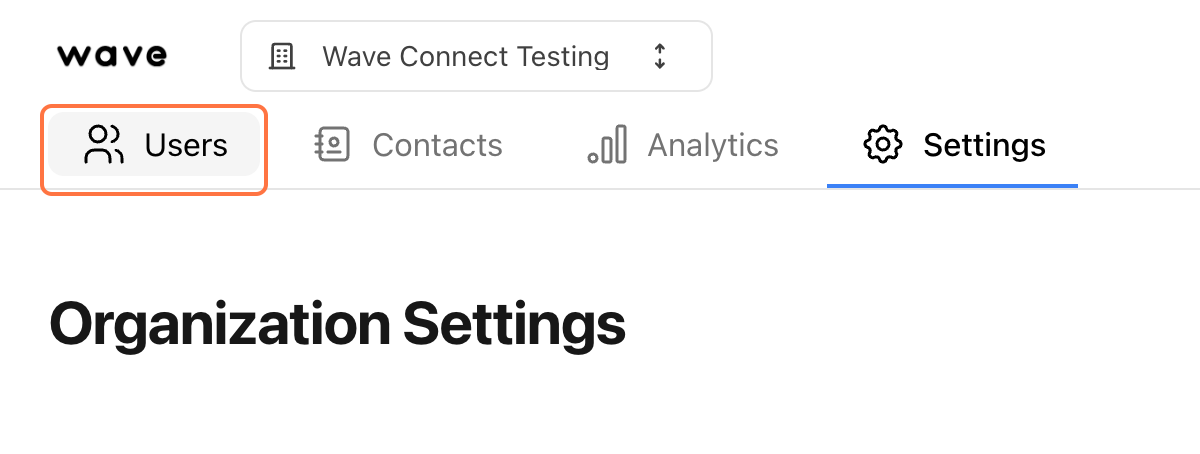
Navigate your organization's 'Users' tab on Wave.
-
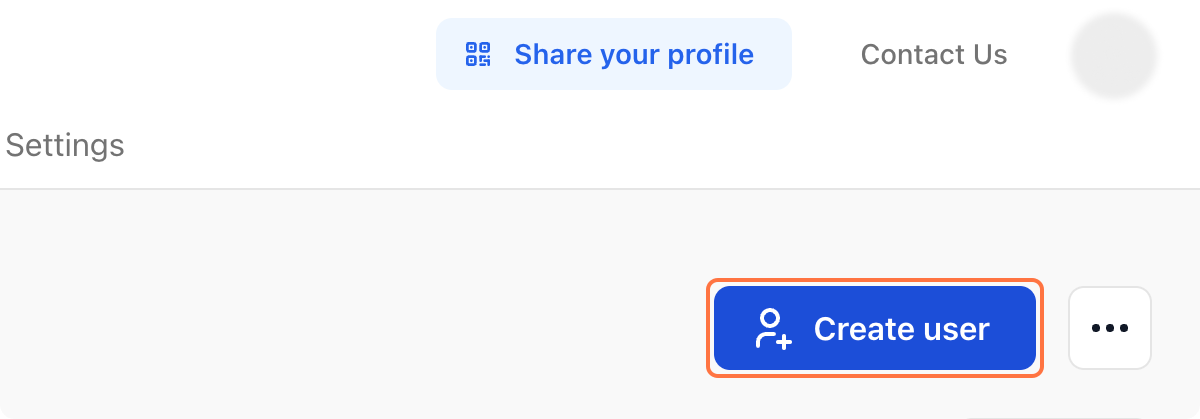
Click on 'Create User.'
-
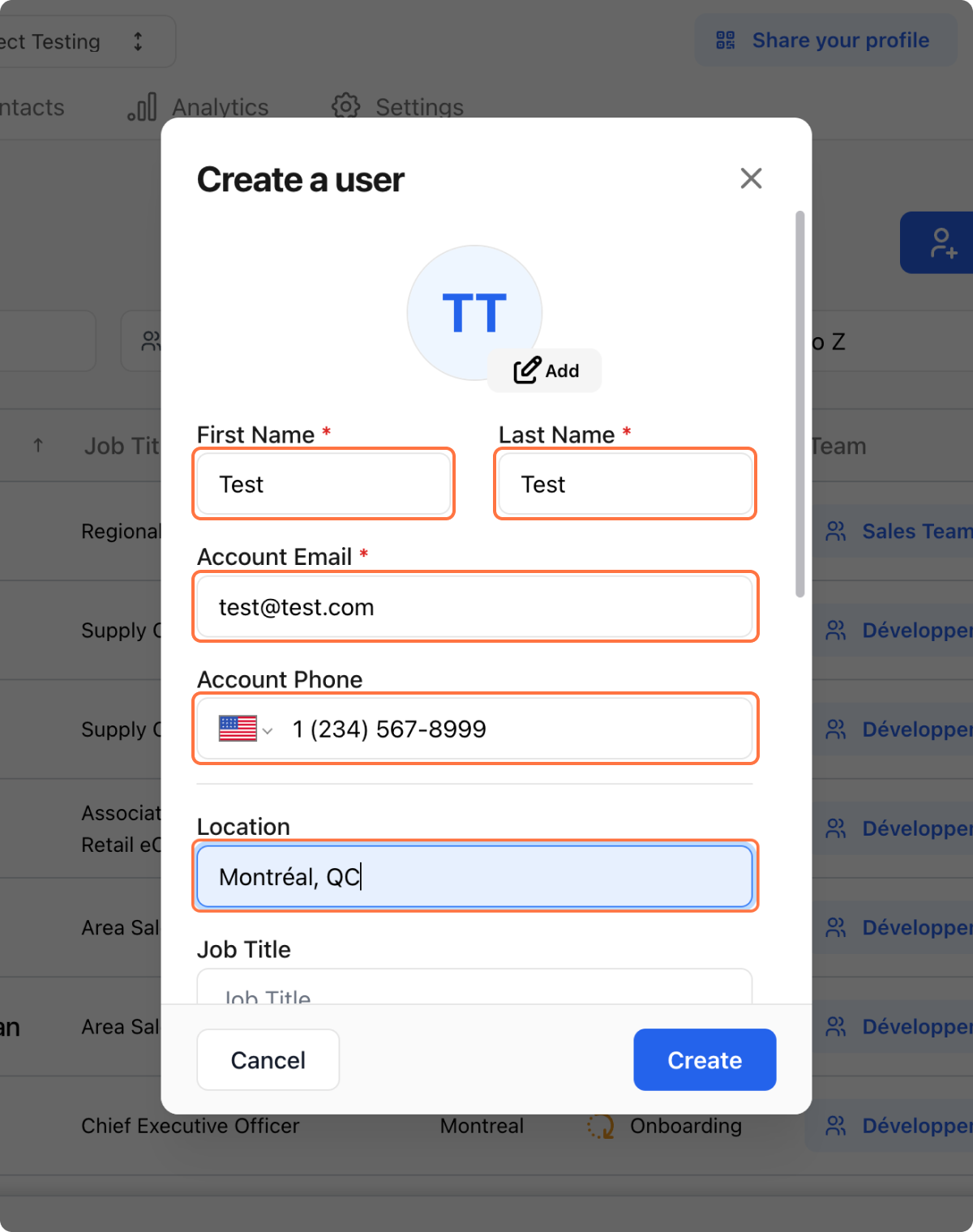
Enter user information per your organization's requirements.
-
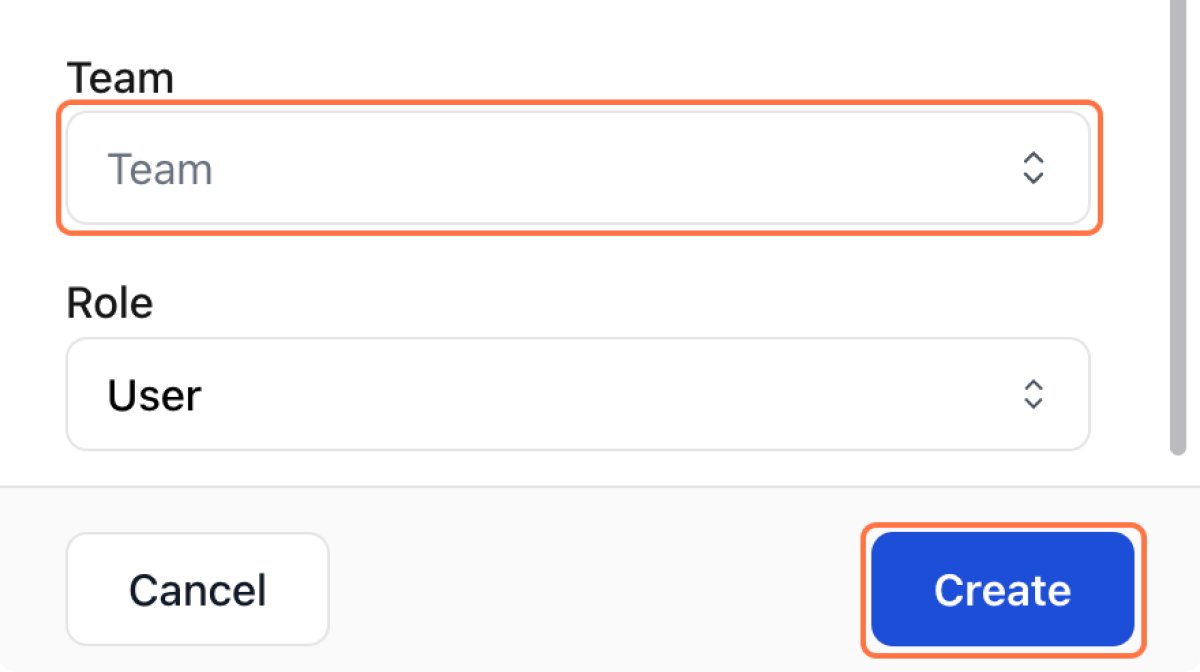
Assign user to a team then press 'Create.'
-
New user will receive an invitation email in their mailbox.